

How to Use the Guide
ETS2 - "Route of the Wolves" Mods Collection
Accessing the Guide Index and navigating pages:
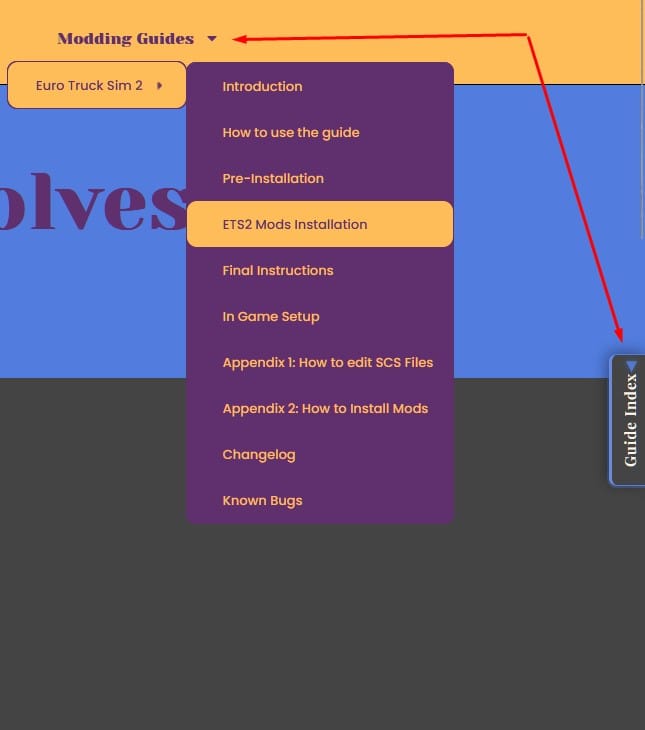
In order to visit sections you can click on the Modding Guides drop down menu at the top:
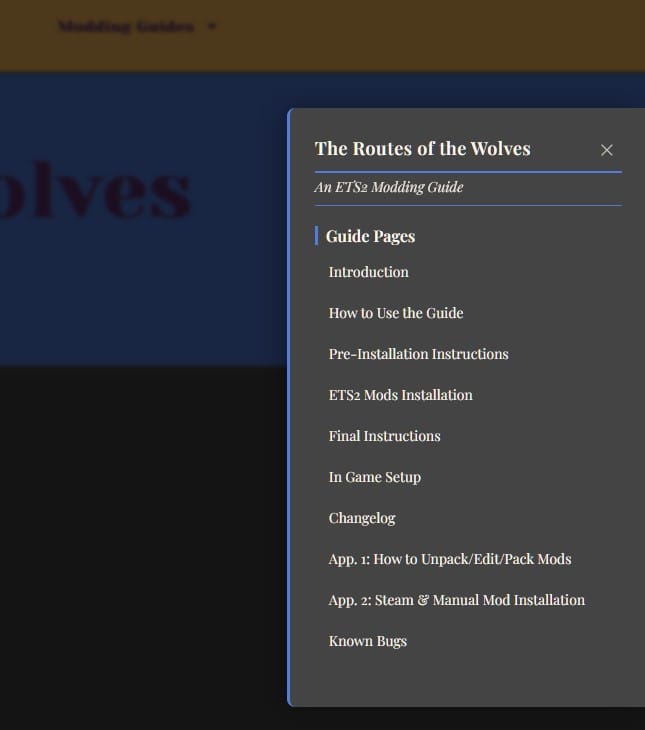
You can also interact with the Guide Index tab at the right side:
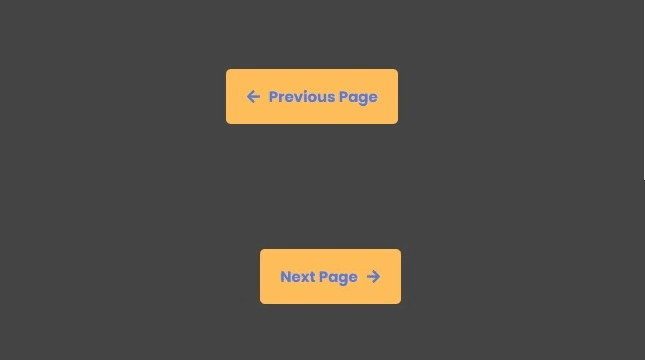
At the bottom of each section you can use Previous and Next Page buttons:
Go to Bottom & Back to Top arrows:
Some pages has long sections so reaching bottom or back to the top, specially at the ETS2: Mods Installation needs a faster way instead of scrolling down or up if needed.
On each page, you will notice two arrows that will get you to the bottom or back to the top at once, use them:

Mod cards explanation:
This is the type of mod’s card you will find in the ETS2 Mods Installation page. The Special Instructions and Notes and the Known Bugs & Issues will be wrapped, so you need to put attention and open them because there is always important and relevant information in it.
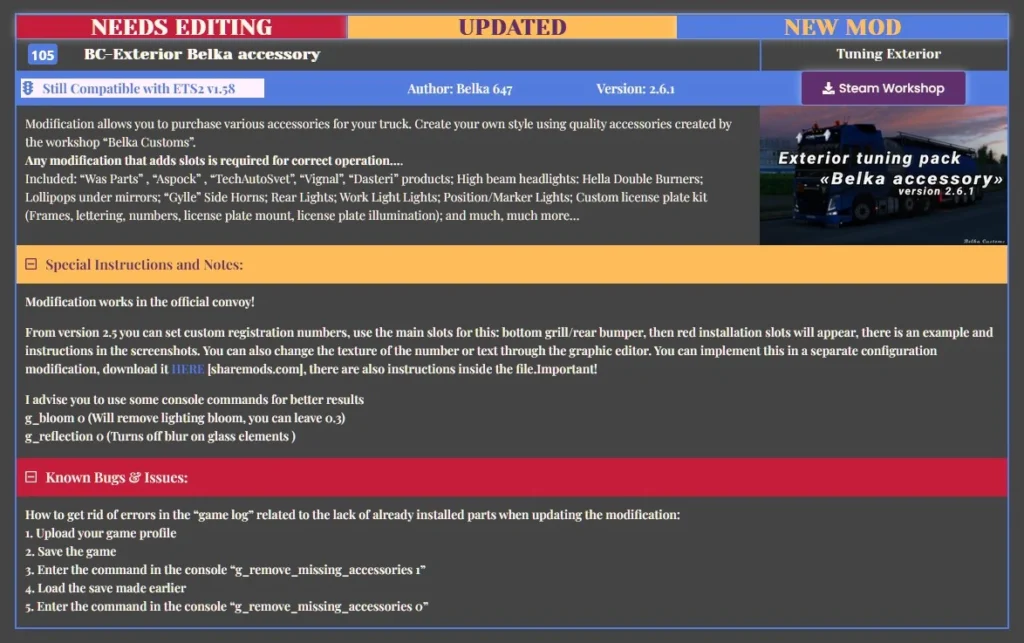
- First row: Inform the mod status: Needs Editing, Updated or New Mod.
- Second row: Mod’s position in the Load Order, mod’s name and category.
- Third row: Mod’s compatibility with the last version of the game, Author, version of the mod and link to mod’s page.
- Fourth Row: Original description of the mod and image of the mod that is also a link to the mod’s page.
- Fifth and Sixth rows: in any mod that has the Special Instruction and Notes activated, you need to read it because is important.
- Seventh and Eight row: it describe any bugs and issues the mod has, often copied from the mod’s page. Read to be aware and also because sometimes it offer solutions.
Mod's compatibility status with the last version of the game:

Status assigned if the mod had been updated to the last version of the game, or the author has stated clearly that the mod is compatible.

Status assigned if the mod hasn’t been updated and the author has not stated that the mod is compatible, but seems to work properly when testing.

Status assigned if the mod has same situation that Still Compatible, but in testings it throw minor errors and is still usable.

Status assigned if the mod has major errors and is unusable in the game. This mods should be hidden, so please notify us if you see it.
